How to use Belong Nordic

Five tabs. One honest number. Here is what each one does and how to get things done in it.

Each screen below is drawn from the app, with numbered markers that match the steps beside it. Pick your phone and the screens and instructions follow. The app is the same on iPhone and Android, apart from home screen widgets, which are on iPhone only. Pick your country above and the rules, figures and screens follow it.

Start

Answer a few questions once.

Pick your country, then say where your citizenship comes from, when you started living in Denmark, whether you hold permanent residence, whether you are married to a Danish citizen and what you have already done. Every tab reads from those answers. You can change any of them later on the You tab.

1

Everything stays on your phone. There is no account and nothing about you is uploaded.

2

The date under the Denmark chip is when the rules the app uses were last checked against the authority.

3

A free week to start, then a yearly subscription through the App StoreGoogle Play. The price shows before you confirm.

Dashboard
Dashboard

How far am I, really?

Open the app and you land here. The Dashboard splits your road into the part you control and the part the Folketing controls.

MetIn progress or at riskBlockedWaiting
  1. 1
    The ring. One segment per requirement on your route. It closes as you meet them and the number in the middle is how many are met. The line under it never promises a date, and the sentence below it says only what the ring shows.
  2. 2
    What you control and what you do not. Tap the small i on either card to see every requirement under its status.
  3. 3
    Standing. Trips abroad, offences and continuity. More on that just below.
  4. 4
    Next · what's coming. The dates ahead of you, soonest first. Each says whether it is yours or the authority's. Nothing is invented to fill the space.
  5. 5
    The five tabs. Dashboard, Path, Practice, Passport and You. The coral one is where you are.
  6. +
    Further down: What if, your routes (standard naturalisation after nine years, the Nordic declaration after seven and six to eight years for the spouse of a Danish citizen) and Outlook, what is moving in the law.
  7. +
    Your residence permit. Add the day your residence permit ends and the Dashboard counts down to it. For most permits you can apply from 3 months before it ends, and you must apply before it ends.
  8. +
    Applied? Once every requirement is met, tell the app the day you filed. The card then follows the days since filing. Danish citizenship comes by a bill the Folketing passes and processing is paused, so the app shows no expected date.
Standing, opened from the Dashboard
Standing and What if

Two doors on the Dashboard.

Standing is where trips and your record live. Denmark looks at time abroad three ways: a single trip over 28 days, more than 42 days in a year and a running interruption budget of 365 days across your residence. Belong Nordic shows all three. Fines are logged here too, because a fine can set a waiting period.

  1. 1
    This year. Your longest single trip against 28 days and this year's total against 42. Above them, the interruption budget counts against 365.
  2. 2
    Your trips. Tap one to change its dates or delete it. A trip taken with your partner is logged once and counts for both of you.
  3. 3
    Add or plan a trip. Past dates log a trip. Future dates plan one and show what it would do before you book. A planned trip counts for nothing until it has happened.
  4. 4
    Nothing on your record affects your timeline. A plain read on your record, with a link to the official rules.
  5. +
    What if sits further down the Dashboard. Flip the language exam, the citizenship test, permanent residence or self-support, add months abroad and watch the finish line move. Danish processing is paused, so in every scenario the finish line stays frozen until it resumes. It runs on a copy of your situation, so nothing you try is saved.
    Dashboard›What if
Path, the citizenship stage
Path

Every requirement, explained and sourced.

Nine years of residence, permanent residence, Danish, the citizenship test, self-support, a clean record and the parliamentary bill, in the order the authority weighs them.

  1. 1
    Two stages. Stage one is permanent residence, which Danish citizenship asks for: eight years of legal residence, full time work, Danish and two of four extra requirements. The tab opens there until you hold it. Stage two is citizenship. Nordic citizens skip stage one.
  2. 2
    The bar. The ring's colour code, one line per requirement. The evidence line counts how many have a document.
  3. 3
    A requirement. The rule in plain words, with the official source one tap away where the authority has a page for it.
  4. 4
    Add a document. A certificate, a residence card, a payslip. Give it an expiry date and it joins What's coming a month ahead. Documents stay on this iPhonephone, out of your backup, never uploaded. Keep your own copy.
Practice
Practice and News

Ready for Indfødsretsprøven?

929 practice questions from the six chapters of SIRI's learning material, current affairs and Danish values, in Danish like the real test. The questions are written by Belong Nordic, not by SIRI. Practice, not the exam.

  1. 1
    Five segments. Practice, Chapters, Progress, News and Guides. Tap one to switch.
  2. 2
    Show or hide English. An English line under each question while you learn. Turn it off before a mock.
  3. 3
    Your numbers. Questions met, accuracy, your run of days and your best mock.
  4. 4
    Add your sitting date. SIRI holds the test twice a year. Pick a sitting under Sittings or add the date you booked, and the tab counts down to it.
  5. +
    Today's five takes about a minute. Full mock is the whole test, 45 questions in 45 minutes under the real clock, and says whether that would pass. Values drill is the 5 that decide it. Rematch replays only what you missed.
  6. +
    Chapters follow SIRI's learning material, with current affairs and Danish values beside them, ten questions a round. Progress is your numbers. News is immigration and citizenship stories from The Local Denmark. Guides are the 4 guides from the website, readable with no connection.
Passport
Passport

The passport at the end.

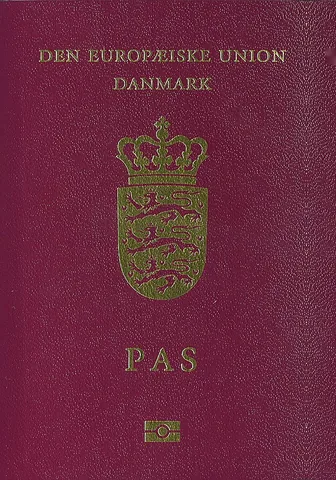
The Danish passport and what applying involves once citizenship is granted, dated and linked to the issuing authority.

  1. 1
    The pill is the earliest you could apply for citizenship, from the same figures as your Dashboard. An earliest, never a promise.
  2. 2
    The holder shows the name and photo you set on the You tab. Tap to change them.
  3. 3
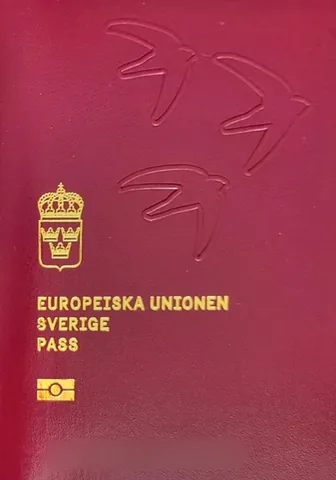
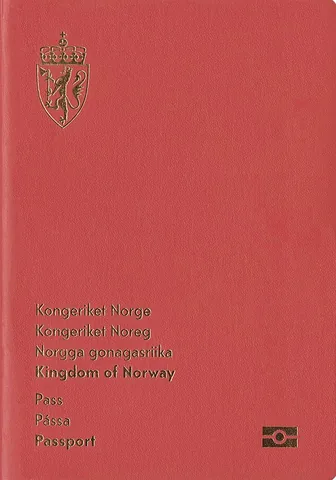
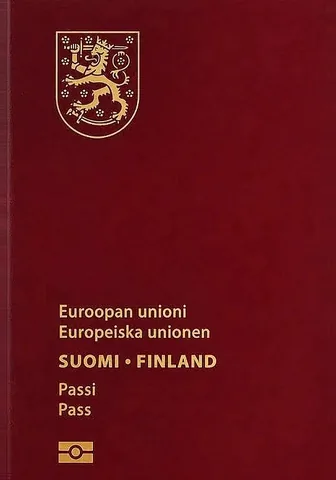
    The facts. Validity, where to apply, the fee and dual citizenship, checked with the issuing authority. Tap another country's cover to peek at its passport, and scroll on for what makes the Danish passport particular. Fees change, so check before you book.
You
You

Your answers, your settings.

Every number in the app comes from here. Change an answer and every tab updates at once.

  1. 1
    Name and photo. Tap to edit. They show on the Passport tab and stay on the iPhonephone.
  2. 2
    Household. Add a partner or another adult with their own count, route and trips. Switch between you from the same card.
  3. 3
    Your situation. The month you became resident, your status, marriage and your citizenship background. Applied for citizenship is where you tell the app the day you filed.
  4. 4
    What you can complete. Mark the language exam, the knowledge test, self support and a clean record and the ring moves.
  5. 5
    Notifications. Today's five at your hour, the dates that matter and news alerts. Each alert opens what it names.
  6. +
    Countries. Four tiles near the bottom of the tab. Tap one and every tab moves to that country's rules. Each country keeps its own answers, and one you have not set up yet starts with its own few questions.
  7. +
    Belong Nordic account. Sign in with your email and the same subscription works in the web app at website.belongnordic.app. Your tracker data stays on the iPhone.
  8. +
    Further down: the link tiles (terms, privacy, this guide, the website, Belong Europe and contact), Tell a friend, your subscription and the legal disclaimer. Home screen shows the widgets and how to add them.Official sources folds out every official page the app links to, on retsinformation.dk, uim.dk, nyidanmark.dk and danskogproever.dk.
Widgets and reminders

Belong Nordic on your home screen.

Long press the home screen, tap the plus and search for Belong Nordic. The widgets work on the home screen and the Lock Screen. Each one reads the same numbers as the app and tapping it opens what it shows. You › Home screen walks you through it.

Where you stand
9 y 1 m of 9

Frozen while decisions are paused

Where you stand
Your residence time so far against the years your route asks for, and the earliest date or the word frozen, as your Dashboard says it.
Days abroad
15 / 42 days

This year, logged trips

Days abroad
This year's days abroad against Denmark's limit, counting logged trips only.
Today's five
Done

12 days in a row

Today's five
Whether today's five practice questions are done, and your run of days.
News
The newest story for Denmark

The Local

News by The Local
The newest immigration and citizenship story for Denmark.

The daily reminder quotes one of the questions waiting for you. Tap it and the round is already open. Once today's five are done, that day's reminder is withdrawn. The numbers in these examples are made up.

Home screen widgets are on iPhone only for now. On Android, turn on reminders, date alerts and news alerts on the You tab.

Tap an alert and it opens what it names. A date alert opens the Dashboard on that date. The daily reminder quotes one of the questions waiting for you and opens today's five.
Honest instruments

Belong Nordic never invents a finish date.

Every rule carries the date it was checked and a link to the authority that owns it. This is a tracker, not legal advice. Your subscription renews yearly until you cancel it in your Apple Account settingsGoogle Play, under Payments and subscriptions. Questions? Write to hello@belongeurope.com